
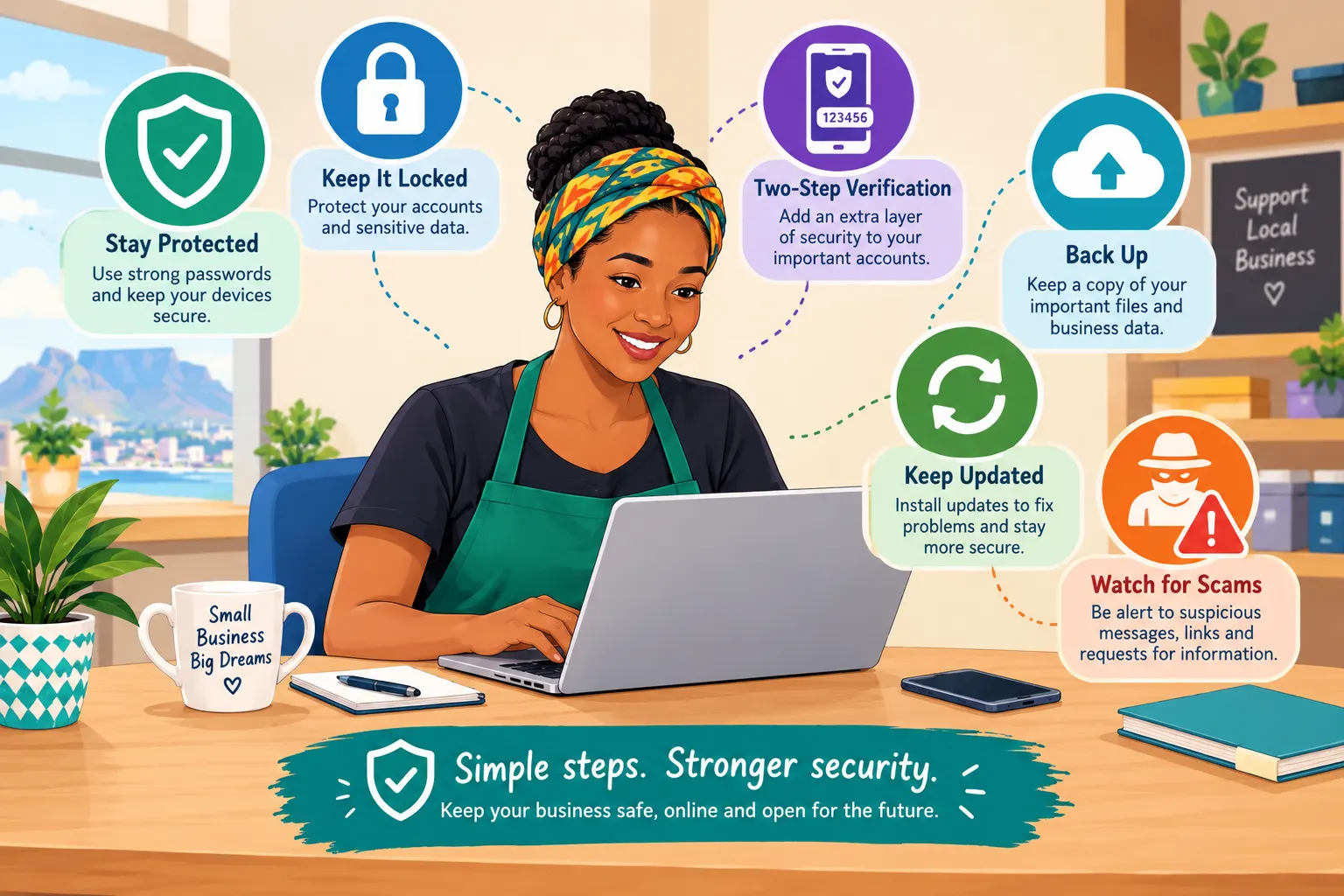
A good online presence is not finished when the website goes live. It needs basic protection and regular maintenance. You do not have to become a cybersecurity expert. You do need a few good habits.
1. Protect Your Main Email Account
Your main business email can be the key to resetting passwords for your website, social accounts, Google Business Profile and other services. Protect it carefully.
· Use a strong, unique password.
· Turn on two-step verification where available.
· Do not share the password with staff through WhatsApp.
· Keep recovery details current.
· Review account access when someone leaves the business.
2. Stop Reusing Passwords
If the same password is used for email, website administration and other services, one stolen password can put multiple accounts at risk. Use a reputable password manager or another secure method for keeping unique passwords.
3. Watch for Scams
Small businesses are frequently approached by people claiming to be from Google, banks, domain companies, hosting providers, delivery companies or government organisations. A message that creates panic and demands immediate payment deserves extra caution.
· Do not click unexpected login links.
· Check the sender and website address carefully.
· Do not give a verification code to someone who phones you unexpectedly.
· If unsure, contact the organisation through its official website or known telephone number.
· Do not allow remote computer access to an unknown person.
4. Keep the Website Updated
If you use WordPress or another website system, keep the core software, themes and plugins maintained. Remove software you no longer use. Before major changes, make sure you have a current backup.
If you are not comfortable doing technical maintenance, use a trusted website professional. The important thing is that someone is responsible for it.
5. Back Up What You Cannot Afford to Lose
A website backup is not enough if your important customer records, photographs, quotes and documents exist only on one computer. Keep important information backed up in a sensible location and make sure you can actually restore it.
· Website files and database
· Business documents
· Customer/job records
· Important photographs
· Marketing assets
· Critical configuration information
6. Respect Customer Information
South African businesses should take privacy seriously. Only collect customer information that you have a genuine reason to use, protect it, limit access and avoid keeping information indefinitely without a business need. For privacy-law requirements, use current guidance from the Information Regulator or a qualified adviser rather than relying on an old internet article.
7. Do a Monthly Digital Check-Up
Once a month, spend 30 minutes checking the basics:
· Can customers reach the website?
· Does the phone number work?
· Does the WhatsApp button work?
· Are opening hours correct?
· Are important Google Business Profile details correct?
· Are there new customer reviews to answer?
· Are website backups working?
· Are software updates pending?
· Are there unknown users or administrators?
· Are domain and hosting renewals under control?
Chapter 4 Action Plan
· Secure the main business email account.
· Turn on two-step verification.
· Replace reused passwords.
· Check who has access to important business accounts.
· Review website backups.
· Update website software where appropriate.
· Remove unused plugins, apps or accounts.
· Create a monthly 30-minute digital check-up.
· Keep privacy and legal requirements under review.